
FluXion Portal
The digital link in your subcontracting chain
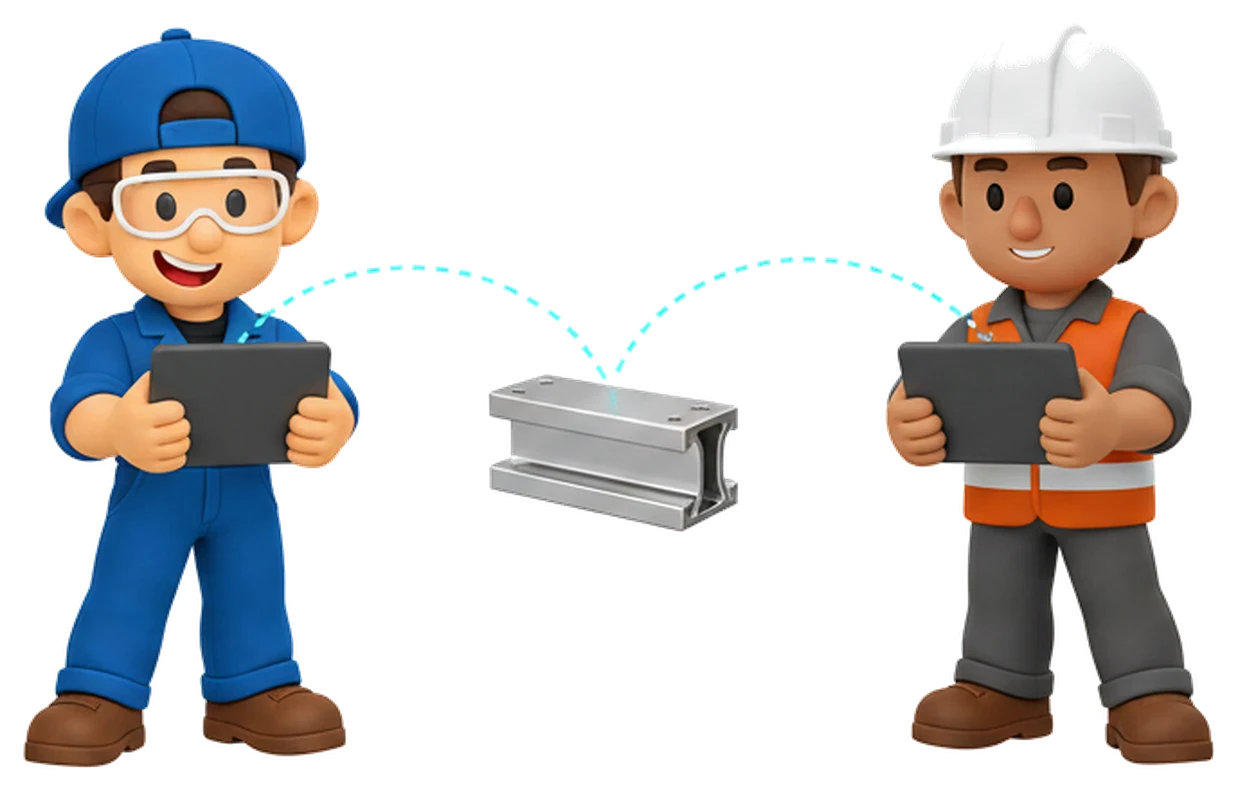
Subcontracting chains are complex, and every company runs its own systems that do not talk to each other. Portal connects the flow of the information that matters: completion estimates, acknowledgements and traceability travel through one link – with no new system or accounts for the partner.
- One link for the whole chain
- Completion estimates and acknowledgements
- Traceability kept
How it works
Information moves along the chain in three steps
The share is created in the workspace as part of the order’s normal flow. The partner needs no new system and no account – the link is enough.
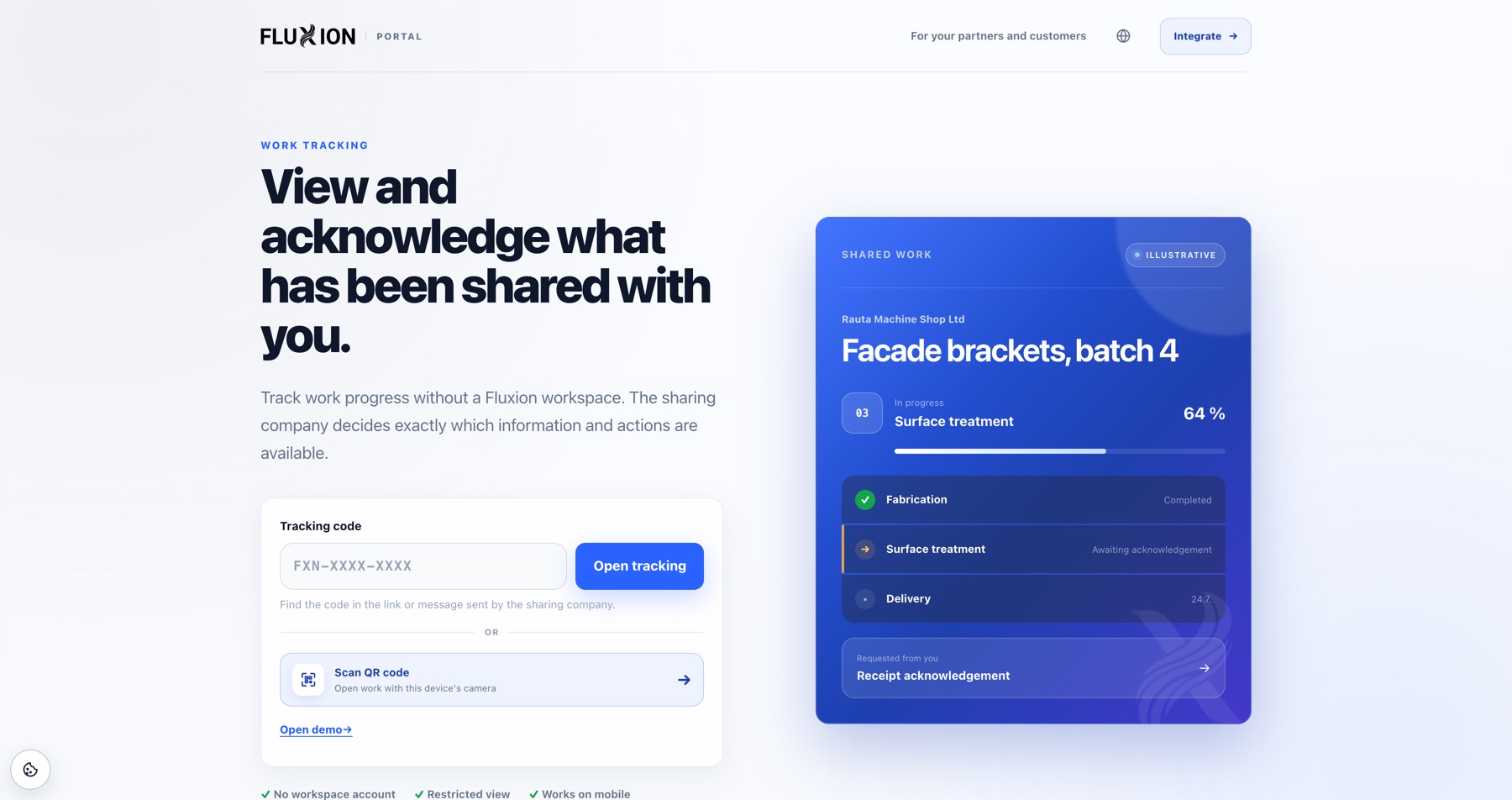
- 01 You choose what the chain sees Share the status alone, or the selected stages, quantities, schedules and documents. The share produces a link and a tracking code in the form FXN-XXXX-XXXX.
- 02 The partner opens it in a browser The subcontractor or customer enters the code at portal.fluxion.fi or scans the QR code with their phone camera. A share can also be protected with a password.
- 03 Information returns to the workspace Receipt, completion and exceptions are acknowledged from the same view. The entry reaches you and stays in the work’s activity history – with no email thread or round of phone calls.
Between the systems
A shared view, even when the systems do not talk
The customer, the subcontractor and their suppliers each run their own systems. Portal does not try to replace them. It brings the chain’s essential information into one place every party can reach.
Completion estimates in view
The partner sees what was ordered, which stage the work is in and when it is due to complete. A schedule change shows in the chain right away – not once the delivery is already late.
Acknowledgements delivered
Receipt, completion and exceptions are acknowledged from one view. The entry reaches the company that ordered the work and remains in the activity history.
Traceability along the whole chain
Who shared, who opened and who acknowledged – every step is recorded in the work’s activity history, so the chain’s course can be verified afterwards.
Access and limits
The sharing company decides who sees what
Access to a shared work always comes from the company that shared it. The partner sees only their own part of the chain, and there is no public sign-up in Portal.
Frequently asked questions

Does the subcontractor or customer need a FluXion account?
Does the partner have to change their own system?
What information moves along the chain?
How do acknowledgements work?
Can a share be protected?
Is Portal included in the price?
Next step
See and experience FluXion
Book a 30-minute demo where we walk through the stages of your production – not a generic tour.